
Describe the business and UI.AI draws it in Figma.
Diagrams, screens, design systems — correct notation, self-checked, editable like any layer.
Works on the free Figma plan · Pay once, use forever
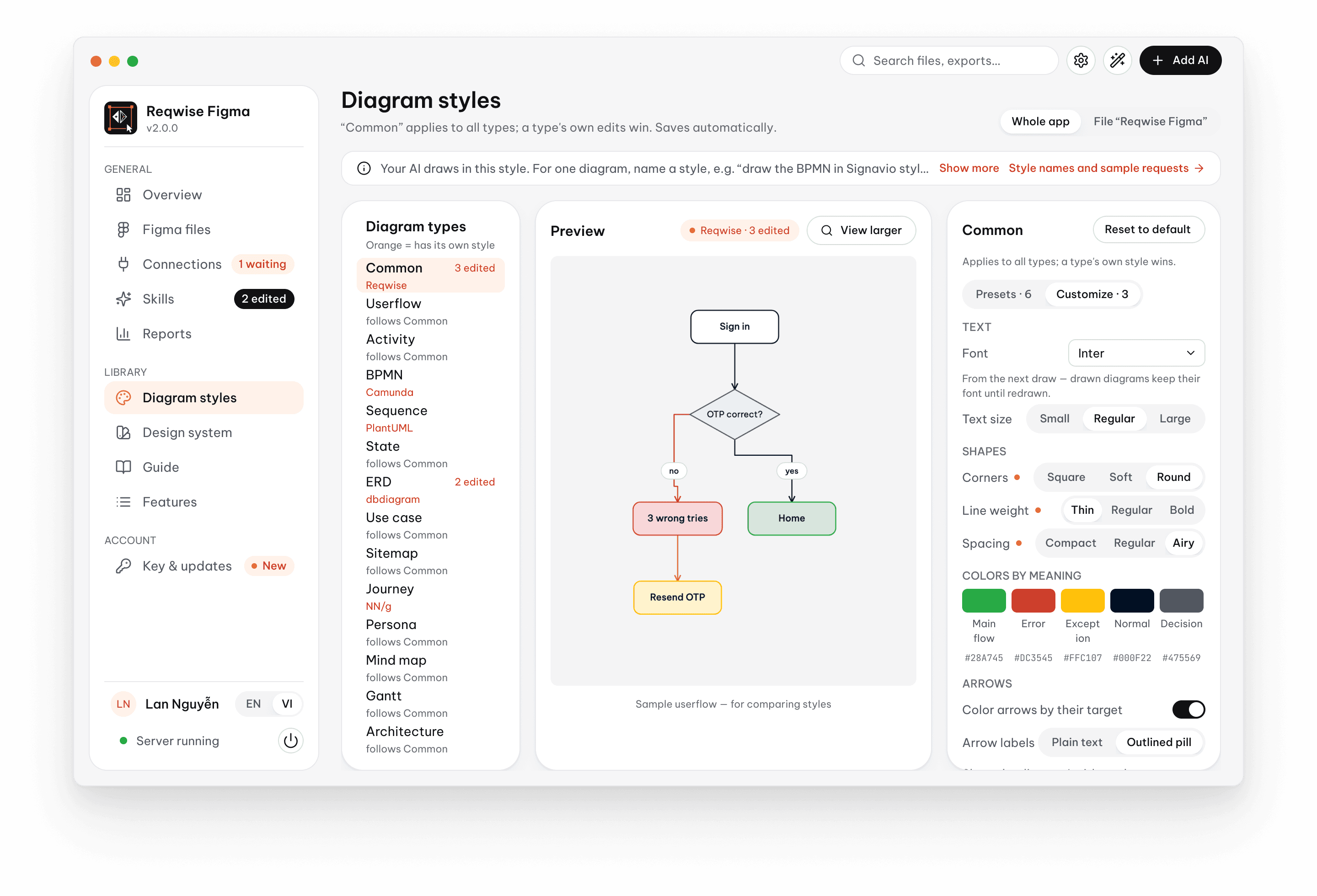
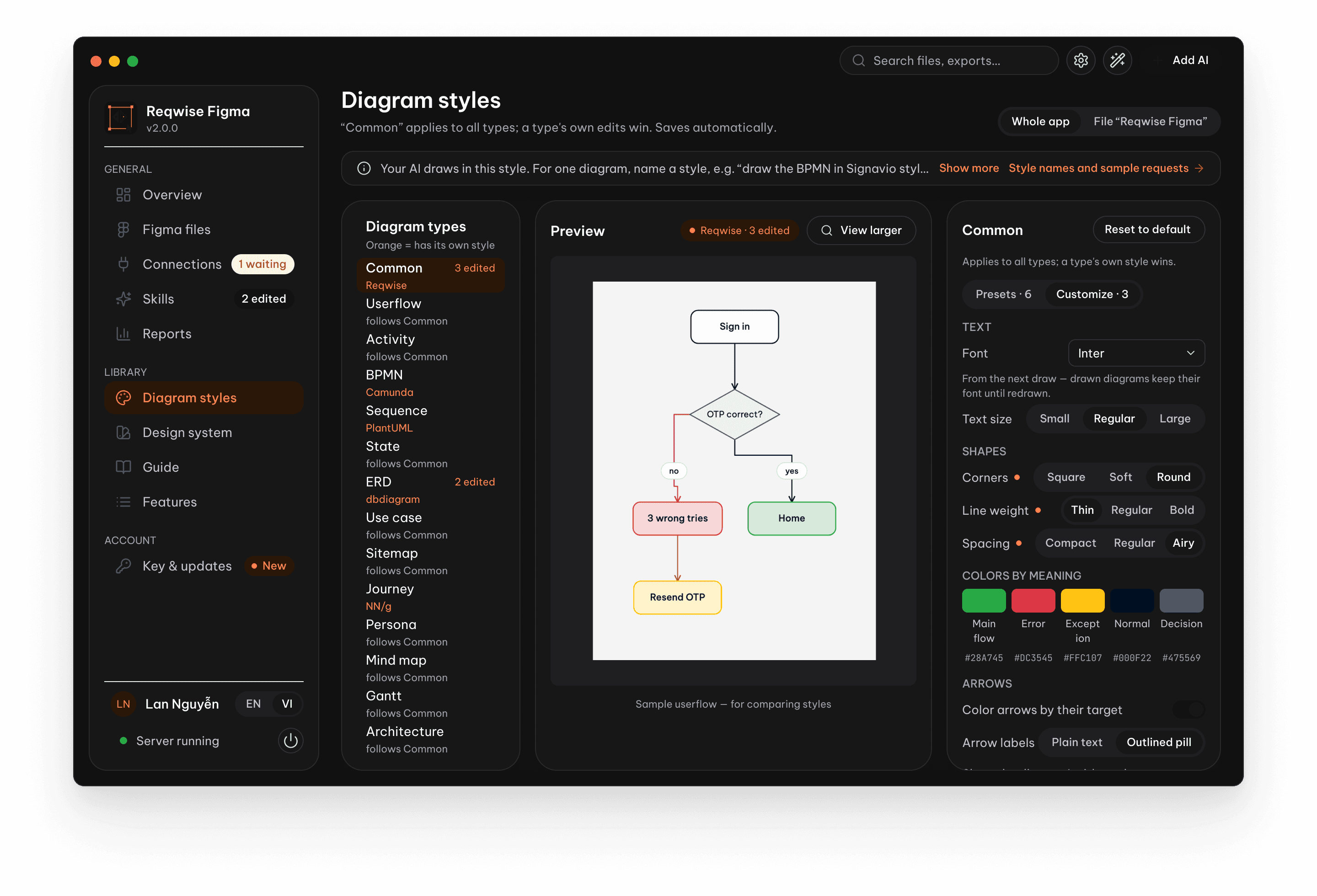
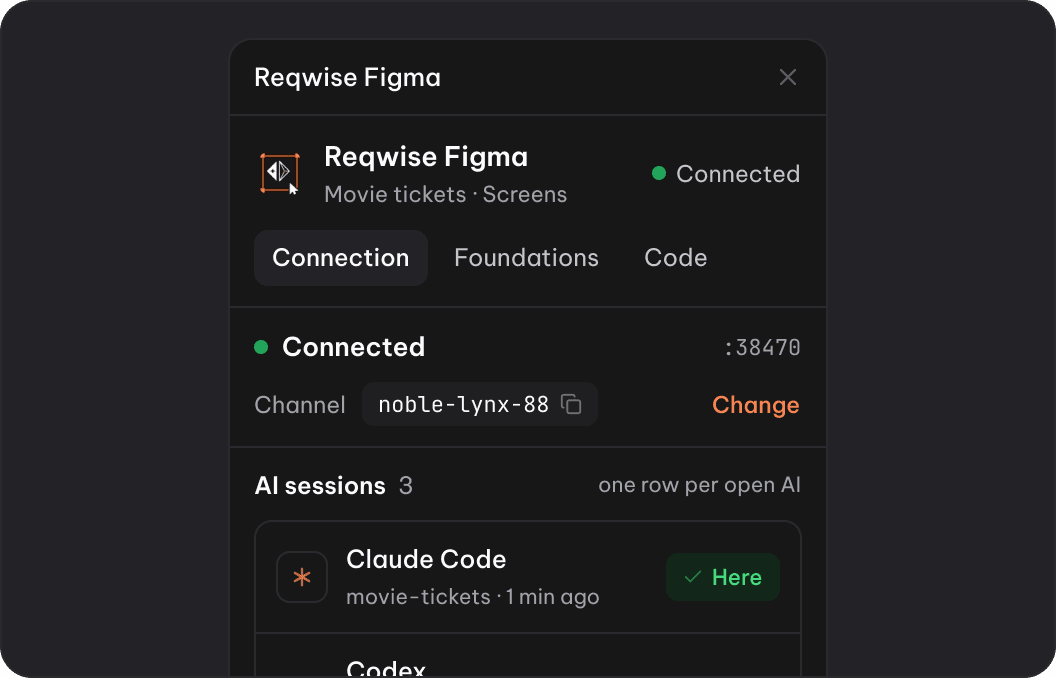
An app on your computer,
a plugin in Figma.
- Your AI
- Reqwise Figma app
- Plugin in your Figma file
- Editable layers
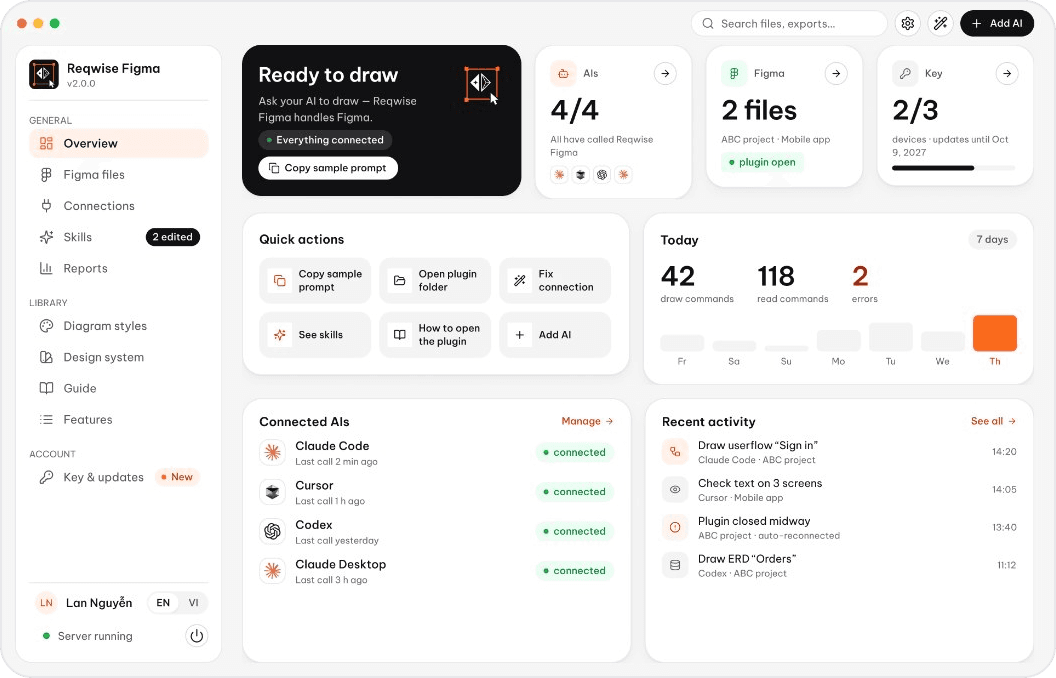
The app
Runs quietly in the background
- Connect your AIs set up once
- Diagram styles 6 presets + your own
- AI instructions edit right in the app
- Reports what each AI costs
- Every Figma file diagrams, HTML, video
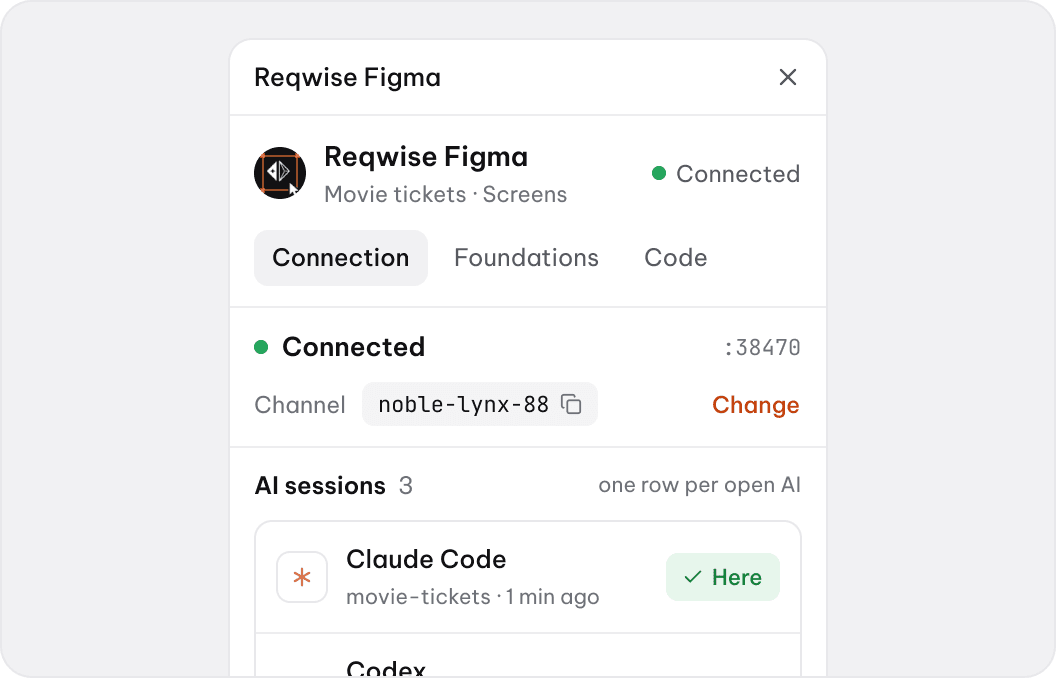
The Figma plugin
Open it in any file
- See who’s connected switch AI in one click
- Edit diagrams freely drag a box, lines re-route
- Design system from your brand colors
- Link to code React, Vue components
- Present to clients self-playing demo, HTML
Every BA diagram, from one sentence
13 types, correct notation, editable like any layer. Pasting Mermaid works too.
Swipe for more · tap a card to flip
Compared with other ways
Editing by hand
- Mermaid · PlantUML
- Edit code, export again
- draw.io file made by AI
- Draggable, tangled lines
- Reqwise Figma
- Drag a box, lines and labels follow
When something changes
- Mermaid · PlantUML
- Redraw from scratch
- draw.io file made by AI
- Usually a new file
- Reqwise Figma
- Only the change is redrawn; comments and links stay
BPMN
- Mermaid · PlantUML
- Not to standard
- draw.io file made by AI
- Shapes, no checks
- Reqwise Figma
- Checked to the standard, exports .bpmn
Working with a team
- Mermaid · PlantUML
- Paste an image
- draw.io file made by AI
- Send files back and forth
- Reqwise Figma
- Same Figma file as the designer
What your AI can do in Figma.
79 features. These four are where people start.
13 diagram types
Ask in plain words or paste Mermaid; your AI draws it and checks it. Userflows link straight to their matching screens.
- Userflow
- BPMN 2.0
- Activity
- Sequence
- State
- ERD
- Use case
- Sitemap
- Journey map
- Persona
- Mindmap
- Gantt
- Architecture
Screens and design systems
Tokens, components and variants go into your file, then every new screen is drawn with them. Light and dark work on the free Figma plan.
412
variables added
9
type styles
Light + dark
side by side
Checked before you look
Every screen is measured, not eyeballed. Problems come back as a list your AI can fix.
0
clipped or cut-off text
4.5:1
contrast on every label
44px
tap targets on mobile
320–1440
responsive widths
Prototypes and demos
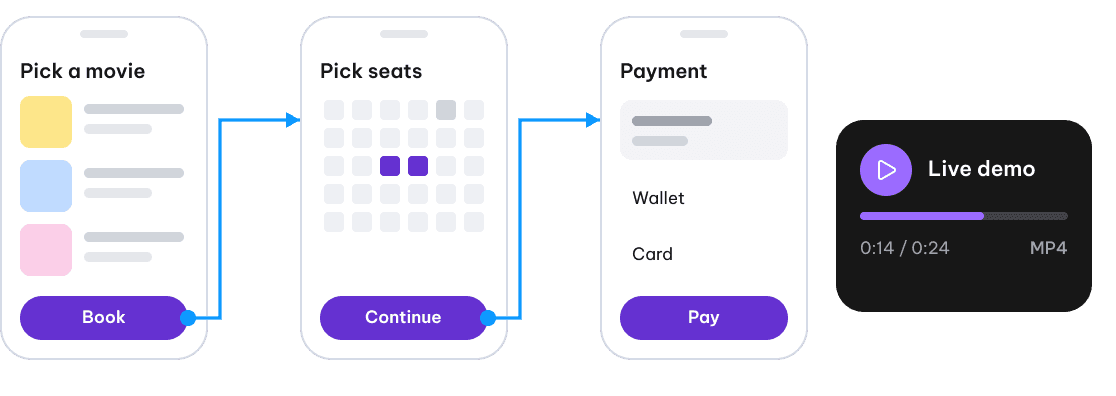
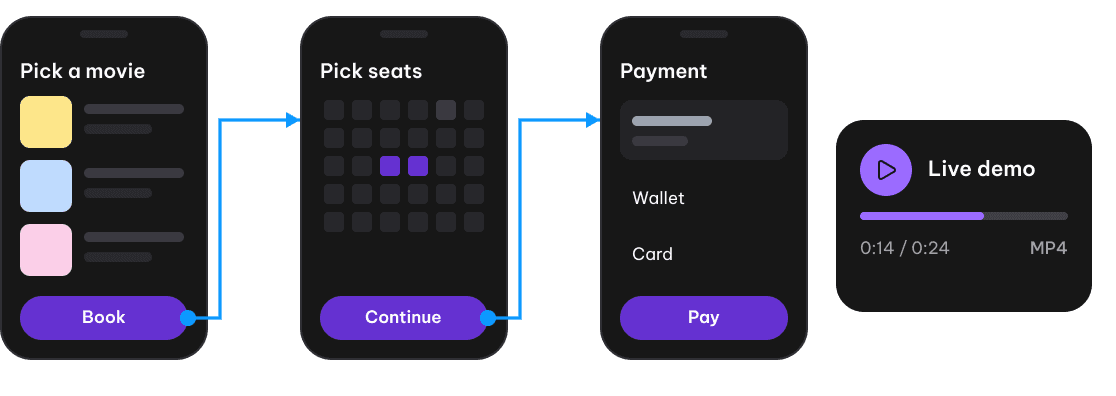
Link screens into a clickable prototype, then play it as a self-running demo or a video for your client.












Works with many AI agents
Use any AI you like. Reqwise finds the AIs on your computer and connects them for you.
Claude Code, Cursor, Codex and 12 more
Set up in about 3 minutes.
No command line. The app finds your AIs and edits their settings for you.
Paste your key
Or start the free 30 days on this device.
XB-7Q2M-K4P9-…
1 of 3 devices
Pick your AIs
The app finds the ones you have.
Claude Code
Cursor
Codex
Open a new session
Each AI picks up Reqwise Figma on its next start.
Claude Codeconnected
Cursorconnected
Open the plugin in Figma
About 15 seconds of clicking, once.
Plugins › Reqwise Figmaready
Pay once. Use it for good.
Every plan has every feature. You choose how many devices. Try it free for 30 days first.
1 device
$19
one-time · or 499.000đ by bank transfer
- All 79 features
- 12 months of updates
- Another year of updates: 40% of the price
3 devices
Popular$39
one-time · or 999.000đ by bank transfer
- All 79 features
- 12 months of updates
- Move a license to another device any time
5 devices
$59
one-time · or 1.499.000đ by bank transfer
- All 79 features
- 12 months of updates
- For a small team
Free for 30 days on 1 device. Full refund within 14 days.
Before you buy
Requirements
Figma desktop (the free plan works) and a supported AI.
Activation
Install the app and paste your key. It connects Figma and your AI.
Devices
1, 3 or 5 devices. Upgrade and pay only the difference.
Free trial
30 days, every feature, no card. One trial per email and device.
Payment
Card, or bank transfer by QR with an invoice. Your key arrives by email right away.
Refunds
Full refund within 14 days, no questions asked.
Let AI do the drawing. You do the thinking.
30 days, every feature, no card. The trial key lands in your inbox right away.